
Hardware, software, and
a workflow that ties them together.
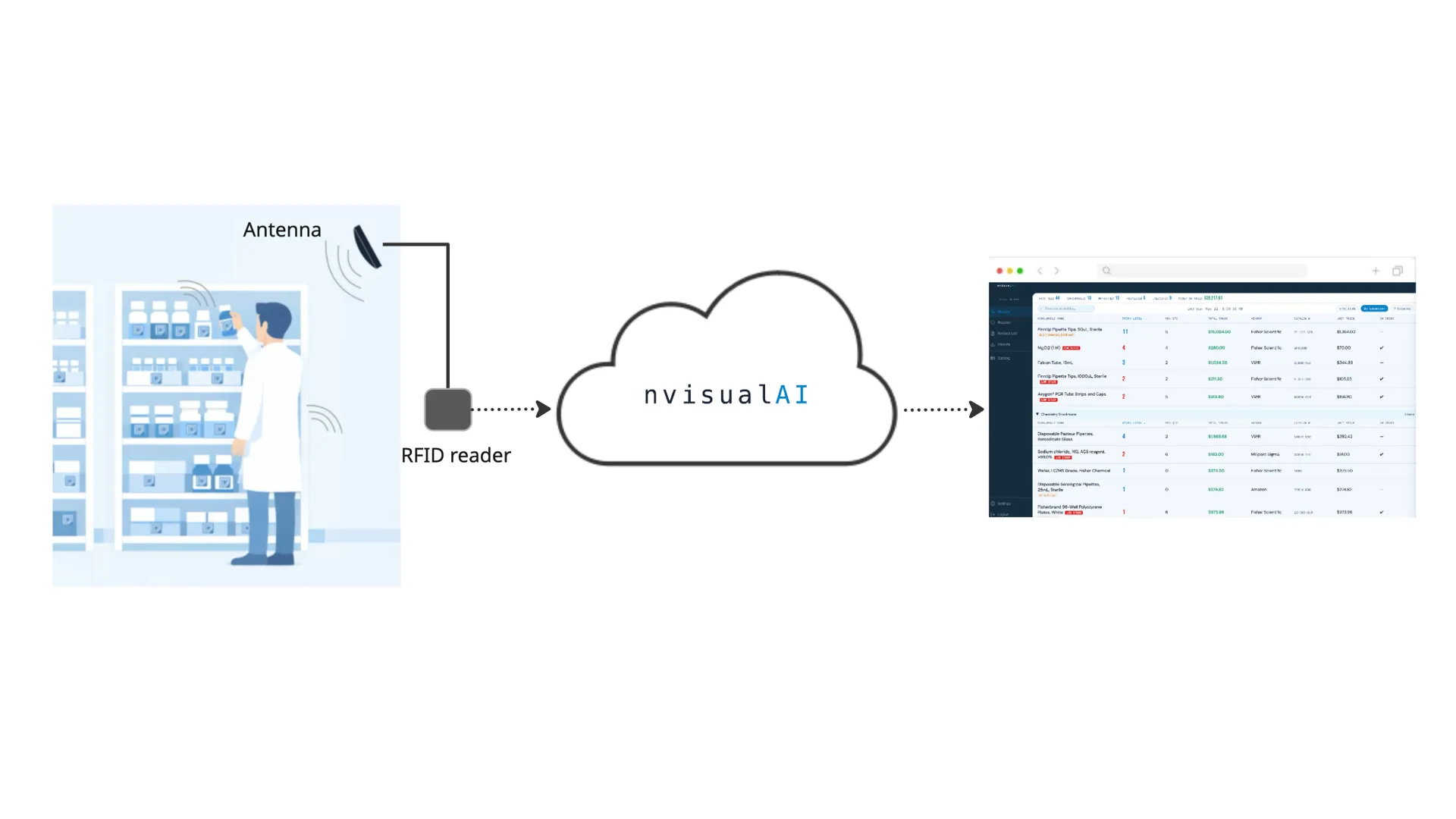
nvisualAI is a complete inventory automation system, not just a software dashboard. It combines industrial RFID hardware with a cloud-connected web application and a guided tag registration process. Here's what each layer does and how they work together.
One scan per product.
Then the system knows every box.
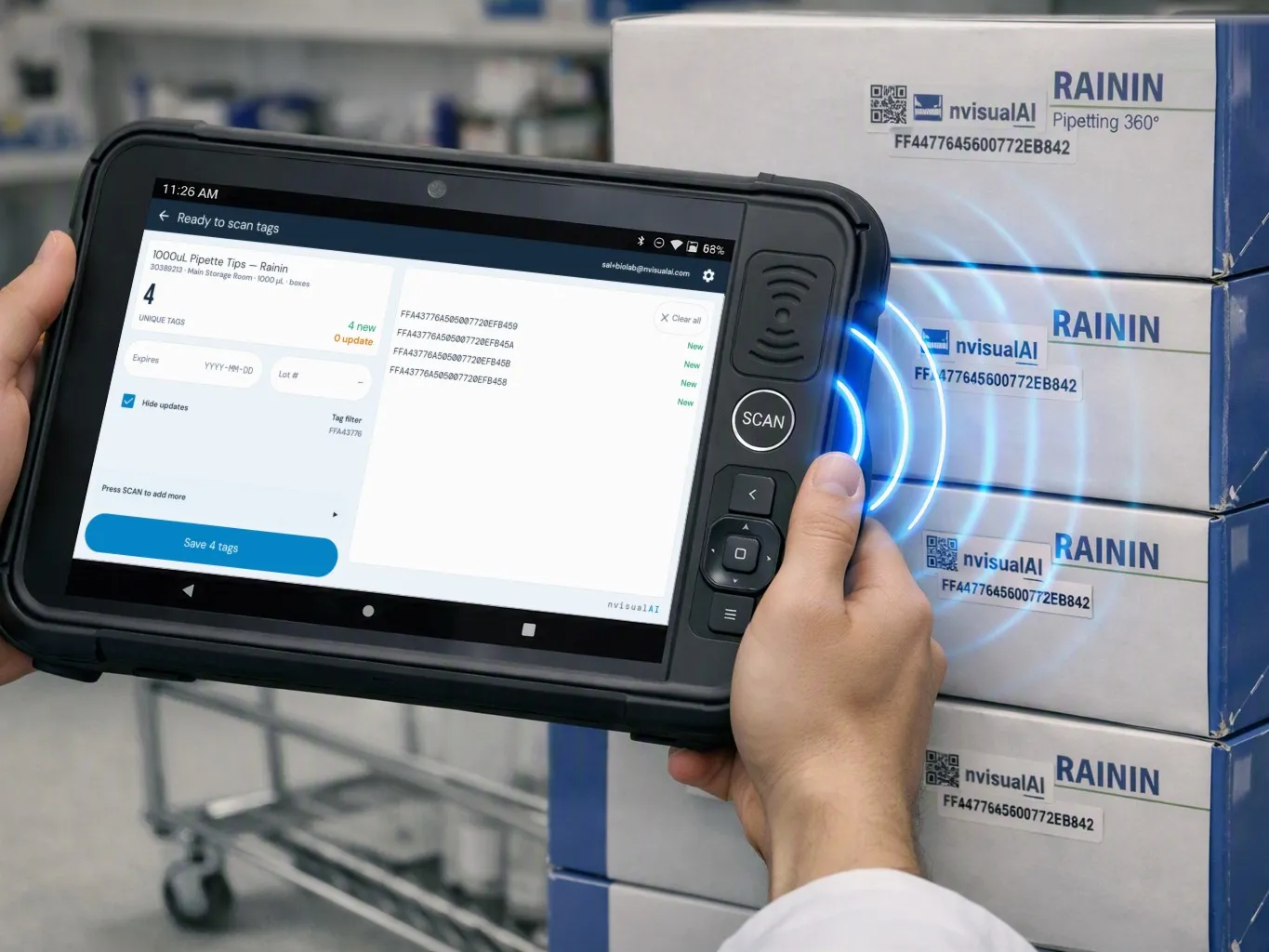
Before anything can be tracked, the system has to learn which tag belongs to which item. It happens once per product, at intake, on a handheld tablet, standing where the boxes already are.
- Tag every unit. Peel and stick an nvisualAI RFID tag on each unit of the product.
- Scan one barcode. Scan the barcode on any one unit, or search the catalog by name, number or vendor. That single scan selects the product for the whole batch.
- Press SCAN once. The tablet reads the tags on every unit of that product within arm's reach, all at once. Registered tags are skipped.
- Save. Every tagged unit is now linked to the right product.
Cloud-connected
intelligence.
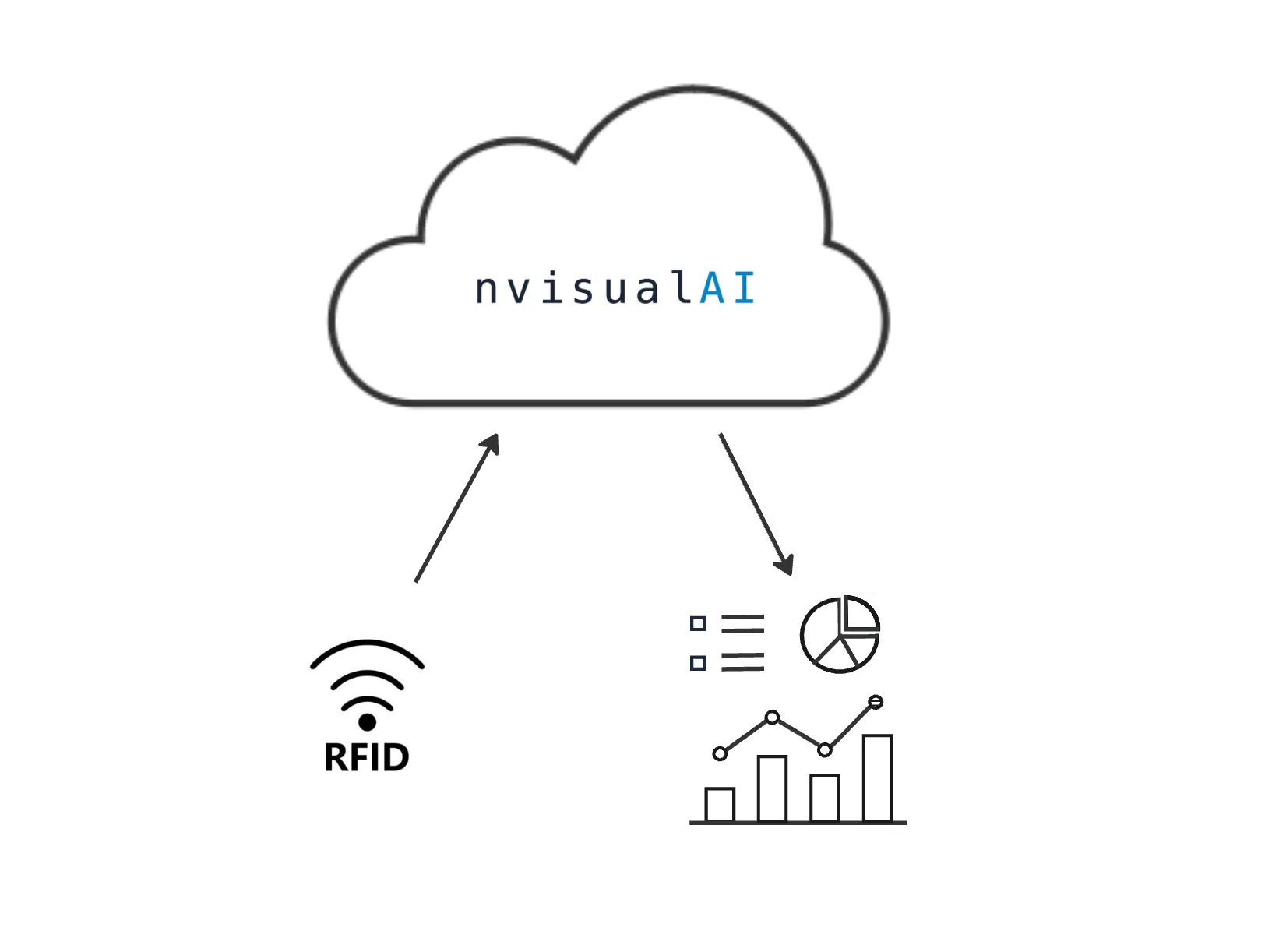
The RFID reader communicates with the nvisualAI cloud platform over a cell network. From radio signals to actionable inventory data, in seconds.
- Reader scans. Scan data (every tag, signal strength, location) is sent to the cloud on a configurable interval.
- Cloud processing. Tag IDs matched to catalog items, locations resolved, anomalies flagged automatically.
- Inventory state. Stock levels, money on shelf and location groupings updated in your browser automatically.
- Automation. Stock below minimum triggers the restock list and pushes to procurement on your schedule.
Always know
when stock runs low.
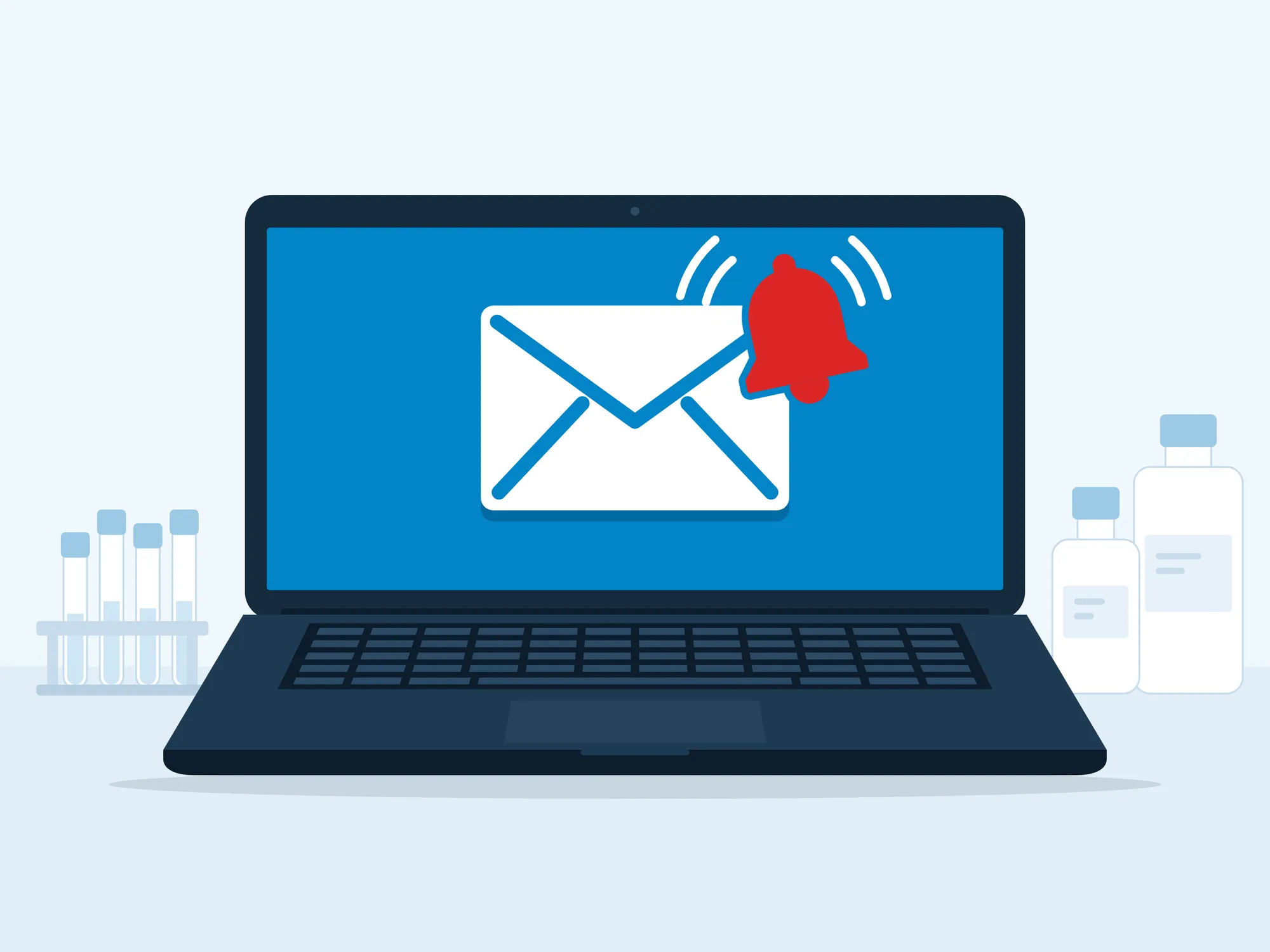
Nobody has to open the app to find out a shelf is running empty. Set up an alert once, and from then on the people who need to know get an email the moment an item reaches its minimum.
- Set it up in seconds. Alerts read like a plain sentence, so there are no forms, codes or settings pages to learn. Anyone on the team can create one without training.
- Choose what to watch. Everything by default, including items added later. Or narrow it by room, supplier or specific product.
- Pick who hears and when. Add colleagues and outside addresses such as your supplier. Send each alert straight away, or gather them into one daily summary at the hour you choose, in your own time zone.
- Only what needs action. Items already on order are left out, so every alert is something someone still has to deal with. Each email shows the supplier, catalog number and latest count, ready to reorder.
Initiate restocking process
before stockouts occur.
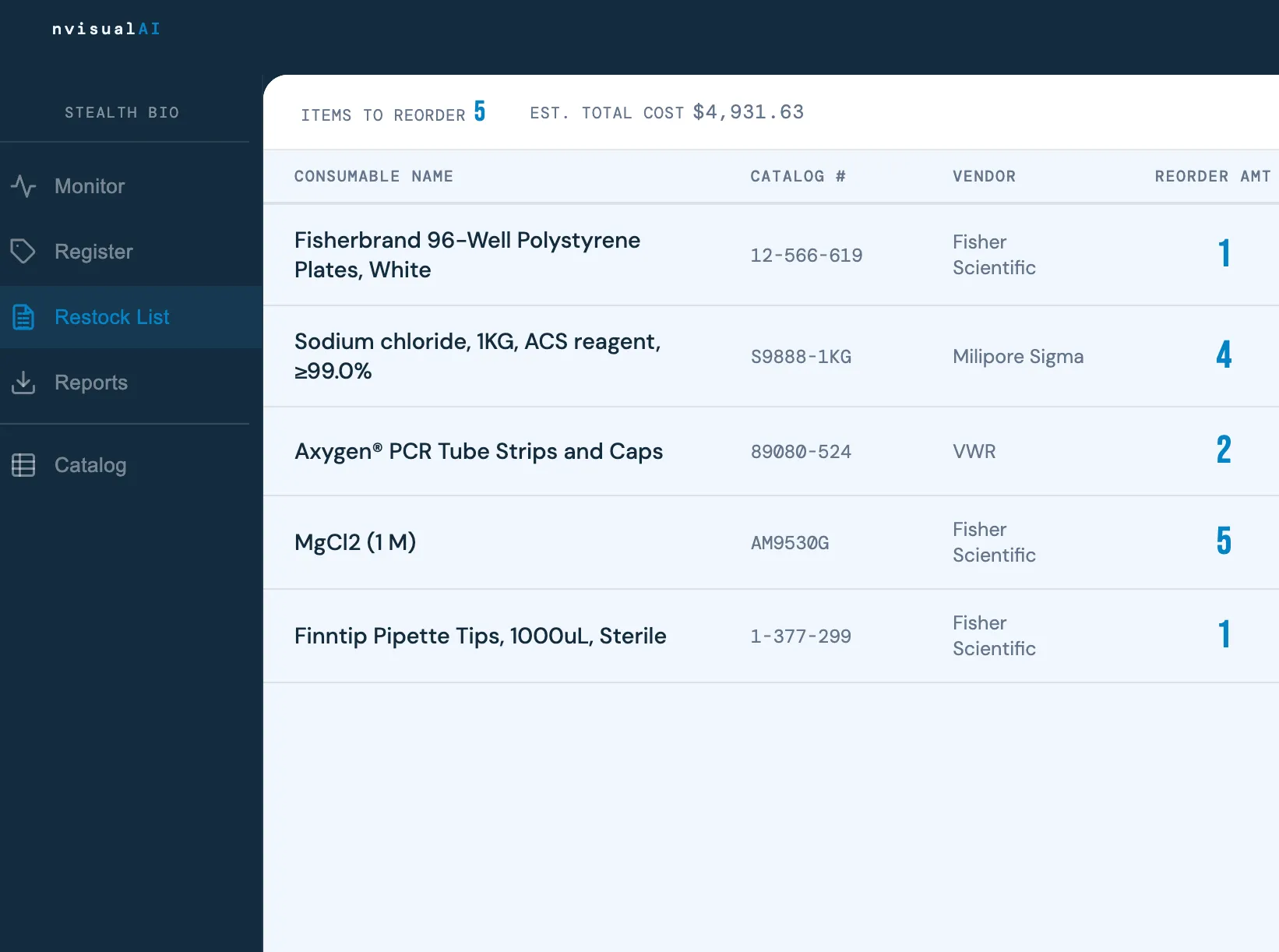
Items below threshold appear automatically with estimated reorder cost. Push to procurement on a schedule, with no manual work.
- Configurable destinations. Email, your procurement platform, or both. Choose what gets pushed and where.
- Scheduled or manual push. Daily, weekly, or "Push Now": your call.
- Push history audit log. Every push is logged. You always know what was sent and when.
- CSV download. Hand off to procurement teams that prefer their own tools.
Questions we hear
most often.
Who applies the RFID tags and how long does it take?
Your lab ops team tags consumables at receiving, the moment they arrive. The tags work out of the box: each one comes pre-encoded with its number printed on top, so there's nothing to program or set up. Attaching a tag takes under 3 seconds, and registering a whole batch takes under 5.
Here's how it plays out on a typical delivery of five boxes of pipette tips:
- Stick a tag on each box.
- Scan the barcode already on the box to pull up the product.
- Press SCAN once to read all five tags.
- Tap Save.
About 20 seconds, start to finish. From then on, those boxes are tracked automatically.
Can tag registration be even quicker?
Yes. Whatever stock unit you track, in most cases registration already takes less of your team's time than manual cycle counting. You register an item once. Counting, whether your team or a service provider does it, comes back every cycle for as long as the stock sits on your shelves. Tracking the largest unit you actually move makes registration quicker still.
Take a lab with a central stockroom that restocks smaller satellite areas. The team can tag each case rather than each box. One tag covers the whole case, and you still see how many cases you have on hand.
Every lab runs differently, so there's no one-size-fits-all plan. Before you decide, we walk through your storage spaces with you and recommend what to tag and track, so registration stays quick and your supply chain gets the visibility it needs.
How long does installation take?
For most labs, installation is completed in a single day. Our team visits your site, mounts the RFID readers at each storage location, connects them to the nvisualAI platform, and walks your team through the intake tagging workflow before we leave.
We also help you import your existing consumables catalog during the visit. If you have an Excel file with your current inventory list, that is all we need.
What types of consumables can be tracked?
nvisualAI is designed to track individual boxed or packaged consumables stored on open shelving at ambient temperature. Common examples include pipette tips, microcentrifuge tubes, serological pipettes, cell culture flasks, gloves, and similar packaged lab supplies.
Does it work in cold rooms?
Cold rooms introduce variables including temperature ranges, humidity levels, condensation, and physical layout that can affect reader performance and tag adhesion. Whether a cold room environment is suitable for deployment is something we evaluate in person.
During your free onsite consultation, our team will assess your cold room conditions and give you a clear, honest answer about what is feasible and how it would be set up.
Can it track consumables inside freezers or cold storage units?
Tracking items inside enclosed cold storage units such as freezers and refrigerators is more complex than open-shelf tracking. Metal enclosures, dense packing, extreme temperatures, and RF signal absorption can all affect read reliability in ways that vary significantly between units.
Whether your specific cold storage setup is trackable is something we determine during an onsite assessment. We will look at the unit type, how items are arranged inside, and the surrounding environment before making any recommendation.